For construction crews and site managers
Daily Site Reports, Done In 30 Seconds
Your crew talks. SpeakEzee writes the report, tasks, blockers and photos already sorted.
- No typing, no forms, no training
- Every daily report timestamped and searchable
- Free to start, no credit card
Start your free trial
Create your account, add your crew, get tonight's reports.
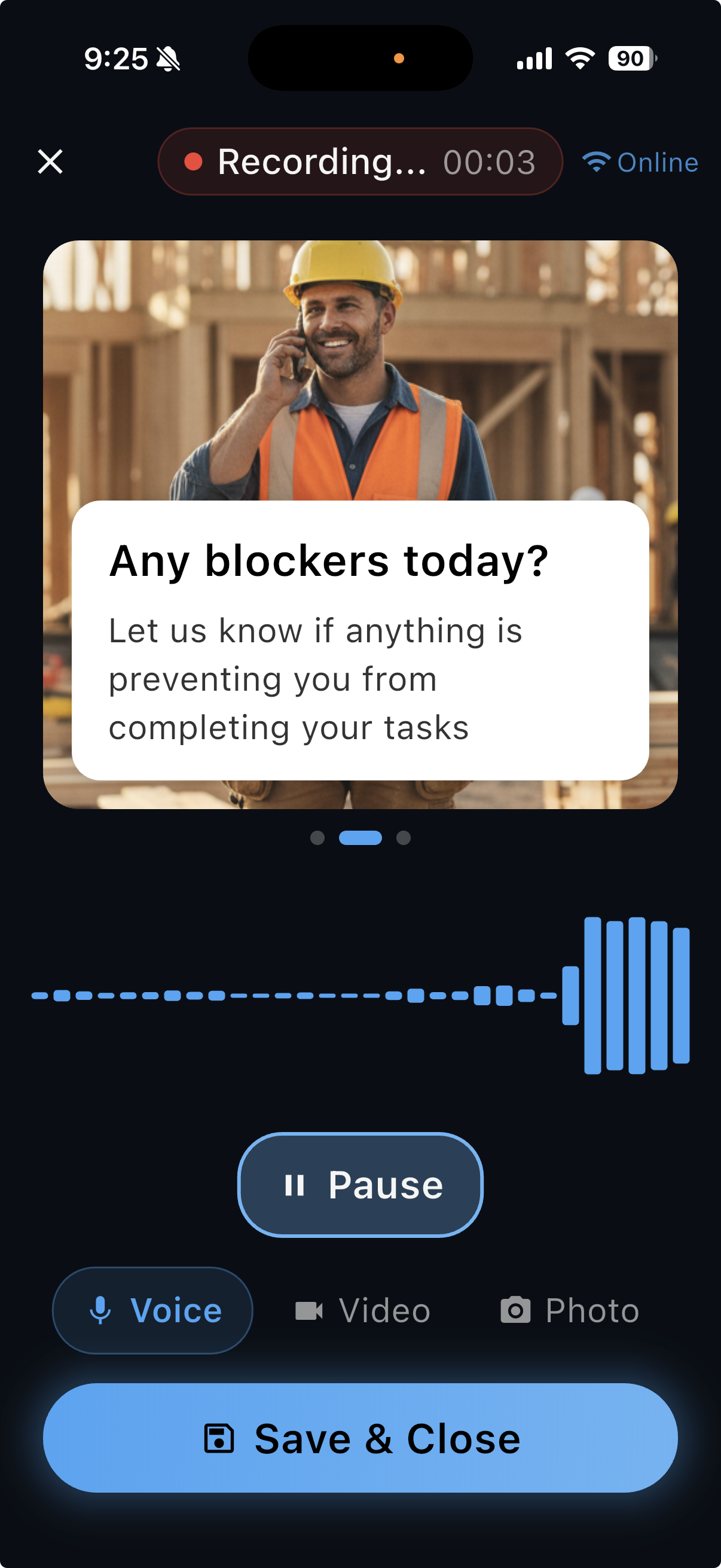
Watch a voice note become a site report
How many hours a week do you lose chasing updates?
It's 7pm. You're still in the truck, turning four text messages and a blurry photo into something you can send a client. Every construction site generates the raw material for a solid daily report, it just arrives as calls, voicemails and half-finished texts, and you're the one who has to assemble it. That's not project management. That's unpaid data entry.
How it works
Your crew records a voice note
Thirty seconds at the end of the shift, straight from the site. Photos attach with one tap.
AI structures it
Tasks completed, blockers, materials, safety notes, pulled out and organized automatically.
You get the daily report
A clean site report you can act on, file, or forward to the client, before you leave the lot.
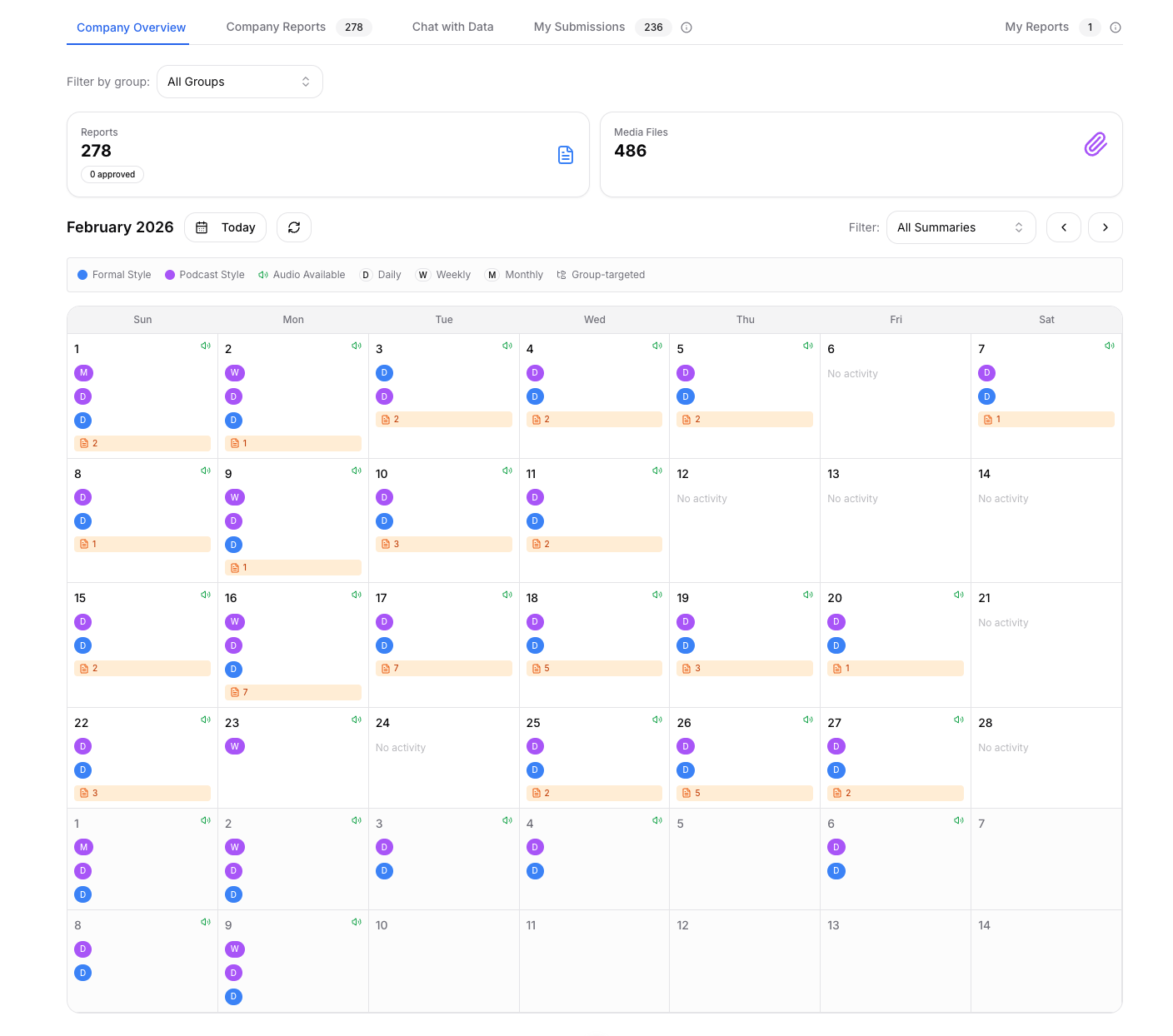
One structured daily report, every day
- Tasks completed and in progress, itemized
- Blockers and delays flagged so nothing surprises you Friday
- Photos attached to the day they were taken
- Timestamped, your site diary builds itself, defensible if a dispute lands
- Searchable across every jobsite and every week
Your crew speaks any language. You get the report in English.
No translating in your head, no decoding garbled texts at 7pm. Spanish in, English out. Whatever language your crew works in, the daily report lands on your desk clean, structured and ready to send. Read how it works: site reports from a multilingual crew.
Common questions about daily site reports
What does a SpeakEzee daily report contain?
Each voice note becomes a structured daily site report: tasks completed and in progress, blockers and delays, materials and safety notes, and any photos your crew attached, all timestamped and organized automatically by the AI.
Does my crew need training to use it?
No. If they can leave a voicemail, they can file a report: open the app, hold the button, talk about the day. There are no forms, menus, or typing.
What if my crew doesn't speak English?
They speak in their own language. Spanish, Punjabi, Tagalog, Portuguese and many more. SpeakEzee auto-detects the language and delivers the daily report to you in English.
Does it work on sites with no signal?
Yes. The mobile app is offline-first: your crew records on site with no connection, and reports sync automatically when the phone is back in coverage.
How much does it cost?
Plans start at $100/month for teams of up to 10, and you can start with a free trial, no credit card required. See the pricing page for details.
Can I send reports to clients?
Yes. Reports arrive as clean, professional documents you can act on, file, or forward, and every report stays searchable across all your jobsites, which matters when a dispute lands months later.
Stop writing site reports. Start recording them.
Free to start. No credit card required.
Questions first? Talk to us · See pricing